
If you’re an artist on a budget and can’t afford to hire a professional album cover designer. Creating an album cover requires designing skills, time, and money.
Well! Don’t worry, AI has a solution for you.
As we all know,
AI has revolutionized every field of life, especially the media and entertainment industry. You can create a stunning cover online in no time using an AI album cover generator.
These tools can turn your text prompts, images, or even music into unique album covers — perfect for songs, videos, or digital releases. Musicians often use them to design music covers, while creators use them for YouTube thumbnails, mixtape art, and posters.
What Are AI Album Cover Generators?
An AI album cover generator is an online tool that uses artificial intelligence to create covers, posters, logos, banners, invitations, etc.
Example
1)Type “Neon City for rock music album”,
2) The AI album cover generator will create a poster as per the instructions given.
They use AI models that understand your instructions and turn them into visuals for your content.
Why People Use AI Album Cover Generators
Creators are inclining towards AI album cover generators because they save time and cost. A designer may take hours to make an album cover, but AI tools make it in seconds.
AI album cover generators are ideal for musicians, YouTubers, and podcasters who need visuals but couldn’t hire professional cover designers.
Music creators use AI album cover generators to design artwork for Spotify, SoundCloud, YouTube Music, and even for singles. Content creators use them for background art and marketing posters.
So, why do people use them? They are inexpensive and efficient, plus no expertise is required for their creation.
How Does an AI Album Cover Generator Work?
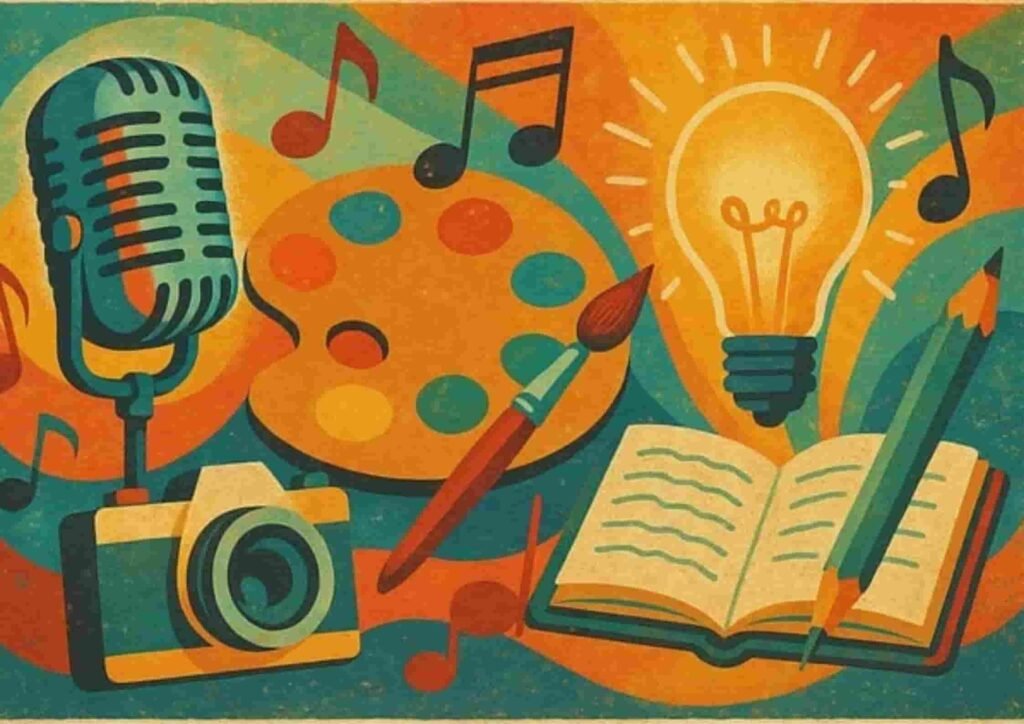
Flow Diagram: How AI Album Cover Generators Work
Prompt → AI Model → Image Generation → Refinement → Preview → Download
Steps
- Write a prompt:
- Example,
- “retro vinyl cover with guitar and red light.”
- AI model reads and analyzes the text:
- It understands the meaning of your words.
- Model selects design style:
- It picks patterns and themes based on your description.
- AI creates an image:
- The generator forms the cover in seconds.
- Preview:
- You can check and edit the design.
- Download final image:
- Save or export the image in high quality.
- Example,
1. Fotor
Fotor is an online AI album cover generator. It generates stunning posters and images for free without ads and watermarks.
It offers different artistic styles.
- Concept Art
- Means you create posters utterly out of imagination (e.g, Futuristic City)
- Realistic
- The image appears to be of real women
- Animation
- Cartoon-like posters
- Sketch
- Hand-drawn pictures
- Oil Painting
- Traditional art drawn from brushes on canvas.
- Digital Art
- Machine-made graphics
- 3D
- Digital art, but in 3 dimensions.
- The 3D character has its depth, width, and height. Just like real-world objects.
Features
- Generates covers from text and image in seconds
- Offers built-in editing tools
- Provides ready-made templates
- Works on mobile and desktop
- Supports different image sizes
- 8 free credits on trial
- You can earn more free credits if you:
- Logged in every day.
- Publish your creation with the Fotor community
- Invite friends
- Follow Fotor on social media
- Use special features of Fotor
- Hence, you can earn unlimited free credits and generate free images.
- Image-to-image generation
- Text to image generation
- HQ output
- No watermark
- Built-in edit tools
- Templates and design
Who Should Use Fotor AI?
Ideal for musicians in crafting album covers with the help of an AI. Also suitable for generating podcast covers and YouTube thumbnails.
How It Works
- Go to Fotor’s AI album cover generator page.
- Type your prompt, such as “simple design for pop music album.”
- Choose size and style.
- Click “Generate.”
- Download the result or edit if necessary
Pricing
| Plan | Price | Features |
| Fotor Basic | $ 0 / month | 1. Basic editing tools
2. Basic design, collage, and templates 3. 512 MB of cloud storage 4. Offers export only in JPG / PNG / PDF 5. No, free watermark 6. Limited credits |
| Fotor pro | $ 3.33 / month | 1. Advanced editing tools
2. Premium design, collage, and templates 3. 100 credits per month 4. Custom styles 5. HD downloads 6. Transparent PNG download 7. No watermark 8. Ad-free 9. Cloud storage of 2 GB |
| Fotor pro+ | $ 7.49 / month | 1. AI editing
2. AI slides 3. Brand Kits 4. 300 credits per month 5. Cloud storage of 100 GB |
Limitations
- Some designs repeat patterns.
- Watermark appears in the free plan.
2. PicsArt
An AI album cover generator that lets users:
- Make covers
- Edit images and videos
- Design logos, banners, and posters
- Create resumes
- Make invitations and social media posts
This platform is recognized by:
- Meta
- Gettyimages
- Popsockets
- Ideogram
PiscArt is trusted by 150 million-plus creators. It generates 1M AI images daily.
Features
- AI image generator from text
- 20 + generative AI tools
- Custom fonts and icons
- 300 million plus templates
- Built-in photo editing tools and collage makers
- Works on both the app and the web
- Allow users to engage with the PicsArt creative community
How It Works
- Open the PicsArt website or app.
- Select an AI image generator.
- Type a prompt like “abstract design for jazz album.”
- AI creates the cover image.
- You can edit it by adding text, logo, and artist name before saving.
Pricing
| Plan | Price | Features |
| Free | $0 | ● Free images
● Free videos ● Free templates |
| PicsArt plus | $ 13 / month | ● Premium designs
● Premium content ● 7 days free trial, cancel anytime |
| PicsArt pro | $ 15 / month | ● All the above features
● For businesses with admin control ● 7 days free trial, cancel anytime |
Limitations
- The free plans don’t allow HQ downloads..
- Online
- Means internet connectivity is required for image generation
You may find this article valuable: 3 Best Free AI Music Video Generators In 2025
3. NightCafe
NightCafe is a creative AI album cover generator that supports multiple AI models. It is used for:
- artistic album covers
- digital art
- creativity and fun
- animations
- logo making
- banner design
- aI tattoo generation
- flag generation
- character generation
AI Models NightCafe Uses?
It works with more AI models than any other.
Models
- Flus
- Stable Diffusion
- DALL-E 3
- Imagen
- Gemini
- Ideogram
- HiDream
- Seedream
- Runway
- Kling
- See dance and more
Features
- Uses a large group of AI models.
- Text-to-image creation and style transfer modes
- Community gallery to share designs
- Free daily credits for users
- Multiple aspect ratios
- Means you can make your video and image in different sizes and shapes.
- AI Art Challenge
- It is a contest where people make AI-generated images and submit them
- Each challenge has a unique theme
- You get judged by other creators in the community through voting
- It’s the best way to practice AI art generation.
- Free credits daily
- Community chat rooms
How It Works
- Go to NightCafe’s website.
- Click “Create.”
- Enter the text prompt
- Choose the AI model and style.
- Generate and download the image.
Pricing
| Plan | Price | Features |
| AI Beginner | $ 6 / month | ● 700 flux images/month
● Access to all models ● You can use community-created models ● No ads ● Advanced public search ● Credit roll over and never expires ● Cancel any time |
| AI Hobbyist | $ 10 / month | ● 800 flux images/month
● You can use community-created models ● No ads ● Advanced public search ● Access to all models ● Credits roll over and never expire ● Cancel any time |
| AI Enthusiast | $ 20 / month | ● 1100 flux images/month
● Unlimited fast models ● Pro Badge on profile ● Credits roll over and never expire ● Advanced public search ● No ads ● You can use community-created models ● Access to all models ● 2 fine-tuning credits per month ● Cancel anytime
|
| AI Artist | $ 50 / month | ● 2000 flux images/month
● Unlimited fast models ● Pro Badge on profile ● Credits roll over and never expire ● Advanced public search ● No ads ● You can use community-created models ● Access to all models ● 3 fine-tuning credits per month ● Cancel anytime
|
Limitations
- Some generations take time.
- No free credits
- No offline use
Quick Comparison
| Tool | Free Version | Starting Price | Offline Use | Best For |
| Fotor | Yes | $ | Yes | 1. General Covers
2. Thumbnails |
| PicsArt | Yes | $ | Yes (app) | 1. Music Covers
2. Social media covers |
| NightCafe | No | $ | No | 1. Hobbyists
2. Artistic Covers |
Conclusion
AI album cover generators have changed how creators make visual art. They provide fast, online solutions for covers, posters, and digital artwork. Tools like Fotor, PicsArt, and NightCafe make this process simple
Anyone can use them — from musicians making album covers to podcasters, YouTubers, and freelance designers.
An AI album cover generator uses AI models that turn input text prompts into visuals. They help users quickly express their creative ideas into covers without any design expertise.